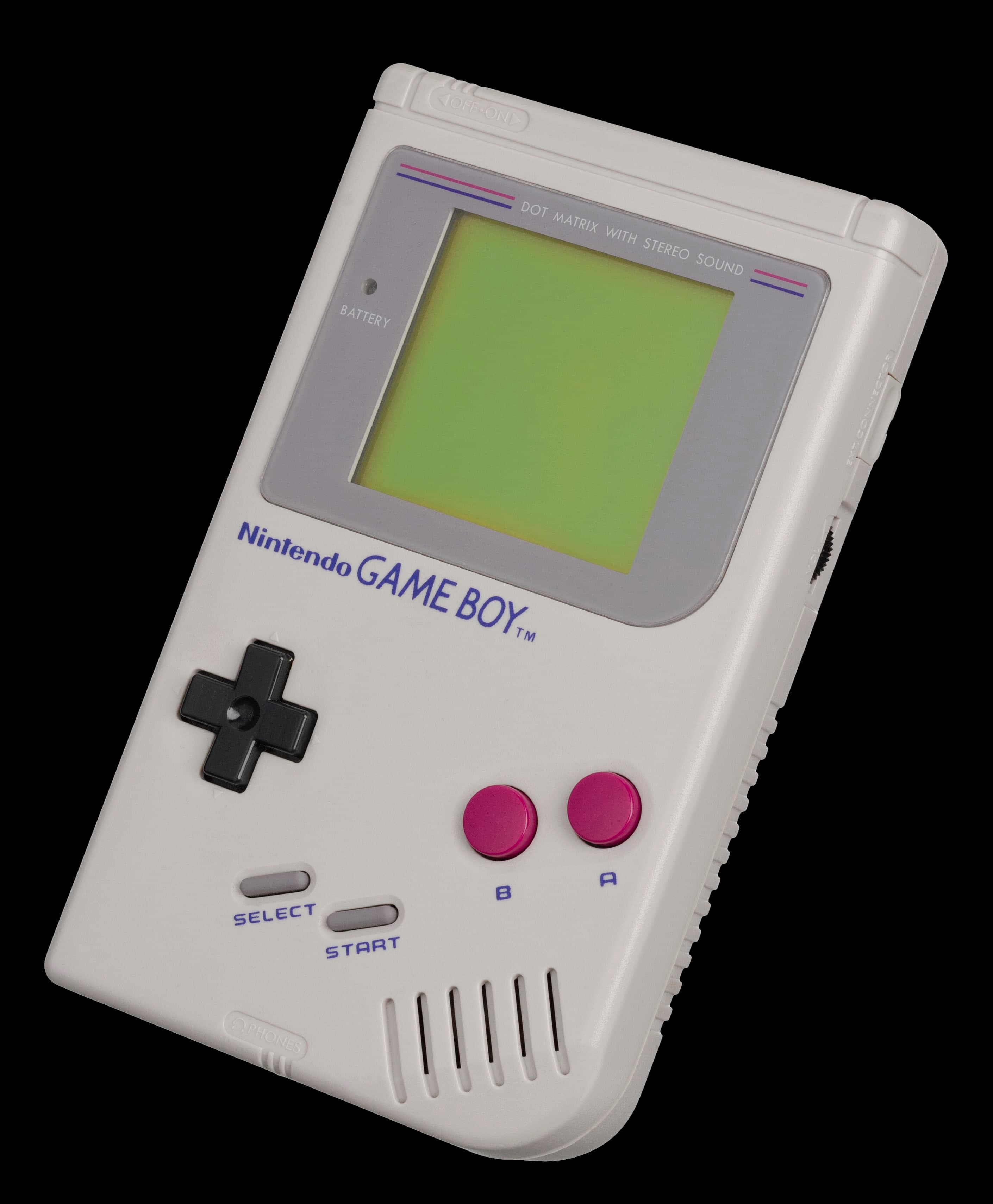
Making Game Boy Games in 2026: The Tools Still Missing
Seven homebrew Game Boy games later: the tools that make it easier than ever, and the four gaps every developer still ends up filling by hand.
Here is a sentence that would have sounded mad in 1995: making a Game Boy game is now a weekend hobby. Not a fantasy, not a reverse-engineering odyssey — a hobby, with free compilers, friendly debuggers and a community that has documented the hardware down to the individual clock cycle.
We know because we've been doing it. Seven games now live on the Play page, from a Battleship that hunts you back to a slingshot puzzler where the collapse does the real damage. Every one of them was built with tools anyone can download today.
And every one of them also needed tools that don't exist yet — so we wrote our own. This is about both.
The Golden Age Nobody Announced
If you want to write a Game Boy game in 2026, you have three good doors to walk through.
GB Studio is the gentle one: a visual editor where you place scenes, sprites and scripts, then press a button and get a real ROM. People have shipped genuinely lovely games with it without writing a line of code.
RGBDS is the purist's choice — an assembler, linker and graphics converter for writing in the Game Boy's own machine language. It is the tool the disassembly projects use, and if you want to know exactly what every byte is doing, it's home.
GBDK-2020 sits in the middle: C, compiled for the Game Boy's processor, with a library that handles sprites, input and bank switching for you. All seven of our games are GBDK-2020 C, and most of them can build inside a Docker image, so a fresh machine only needs Docker to produce a ROM.
Around those sit debuggers that 90s developers would have sold a kidney for. Emulicious lets you step through your C or assembly source line by line, and SameBoy, mGBA and BGB will show you every register, every tile and every sprite as the game runs. Graphics converters like png2asset turn a PNG into tile data in one command. You can draw in Aseprite and be looking at your art on a Game Boy screen five minutes later.
That's the good news, and it really is good. Now for the bits where you're on your own.
Gap One: Nobody Tests Their Game
Modern software is wrapped in automated tests. Change a line, run the suite, find out in seconds whether you broke anything. Game Boy development has almost none of this, because the code runs on a 1989 handheld, not on your computer.
The standard workaround is a headless emulator — PyBoy is the usual pick — driven by a script. We lean on it hard. Our Protector build has a probe tool that plays the game by itself and reads the game's own variables out of emulated memory, so it can check a rule like "a lander that grabs a human marks it held" rather than just staring at the screen. It even reads the memory addresses out of the compiler's map file, so moving a variable can't quietly make the test read the wrong byte.
The other trick is to keep the game's rules out of the hardware code entirely. In GB Checkers, every rule of draughts — compulsory capture, multi-jump chains, promotion — lives in one file that knows nothing about the Game Boy. The same file compiles with an ordinary PC compiler, so the test suite exercises the real rules, not a copy of them.
Both work. Neither is a standard. Every developer builds this from scratch, and it shows.
Our favourite example of how rough it gets: PyBoy draws its own logo splash for roughly the first 85 frames after boot. Ask it for a screenshot of your title screen too early and you get a crisp picture of PyBoy's wordmark instead — which looks nothing like a blank screen, so nothing catches it. Our build script fails loudly on a blank capture; for the PyBoy logo, the only check is a human looking at the thumbnail.
Gap Two: Timing Is Still a Guessing Game
The Game Boy's screen is drawn by a chip that locks you out of video memory while it's busy. Write a tile at the wrong moment and the write is simply ignored — or you get a flicker of garbage on real hardware that every emulator renders perfectly.
Emulators can warn you when it happens. Emulicious, for one, flags writes to video memory that the hardware would have refused. But that only covers code you actually run. If the bad write lives behind a rare branch — the end of level twelve, the frame where two explosions coincide — you'll only find it when a player does.
What's missing is a tool that reads your code and tells you, before you ever run it, "this loop can't finish inside the blanking period." Nothing like that exists for the Game Boy. You budget your cycles by hand, the way people did in 1990.
Gap Three: Super Game Boy Borders Are a Craft Project
Every one of our games supports the Super Game Boy, the cartridge that let you play on a TV, framed in a custom border. It's one of the nicest touches a Game Boy game can have, and the tooling for it is thin.
You draw the border, convert it, link it in, and set a flag at build time — miss the flag and the console silently ignores all of it. Then comes the real problem: checking it. Until recently PyBoy, the emulator our test scripts run on, only emulated a plain Game Boy and never saw the border at all. Version 2.8.0 added Super Game Boy support, and our newest game, GB Slingshot, now boots in it and checks that every byte of the border arrives intact. That's a real step forward. But it checks data, not pictures: whether the border actually looks right is still a job for a human with an emulator open.
We ended up writing our own helpers here too — a script that rewrites the lettering on a border by harvesting letterforms from the artwork itself, so a new line of text matches the original hand. It works beautifully. It also shouldn't be something every developer has to invent.
Gap Four: You'll Be Writing C
If you love Rust or Zig, bad news. The compiler toolkit behind both, LLVM, has no official backend for the Game Boy's processor, so there's no first-class way to target it. There are experimental routes — translate to C, then compile that — but nothing you'd build a game on.
That leaves C through the SDCC compiler (which is what GBDK-2020 uses) or assembly. C is perfectly pleasant, and SDCC has improved enormously, but the code it produces is still noticeably bigger and slower than hand-written assembly. On a machine with a few kilobytes of RAM, you feel it. You learn which C to avoid.
Sound Is the Odd One Out
Music, oddly, is in decent shape. hUGETracker and its driver, the long-running GBT Player and the legendary LSDJ have all put real chiptune within reach.
But you don't always need any of them. Puzzle Balloon uses no sound driver at all: four sound effects, one per sound channel, each a handful of writes to the hardware registers. No note tables, no timers, nothing running in the background. The Game Boy's sound chip plays the rest. Sometimes the best tool is the hardware itself.
So Should You Make One?
Yes. Without hesitation. Start with GB Studio if you've never written code, GBDK-2020 if you have, and RGBDS if you want to understand the machine to the bone. The free tools will get you further than any 90s studio's ever did.
Just go in knowing that testing, timing and Super Game Boy polish are still on you. Budget a weekend for building your own harness, and you'll get it back the first time it catches a bug you'd never have seen.
Then play what we made with ours: Naval Hunter, Protector, Puzzle Balloon, GB Checkers, Luna Lander, Meteor Survival and GB Slingshot — all running in your browser, all made in the golden age nobody announced.