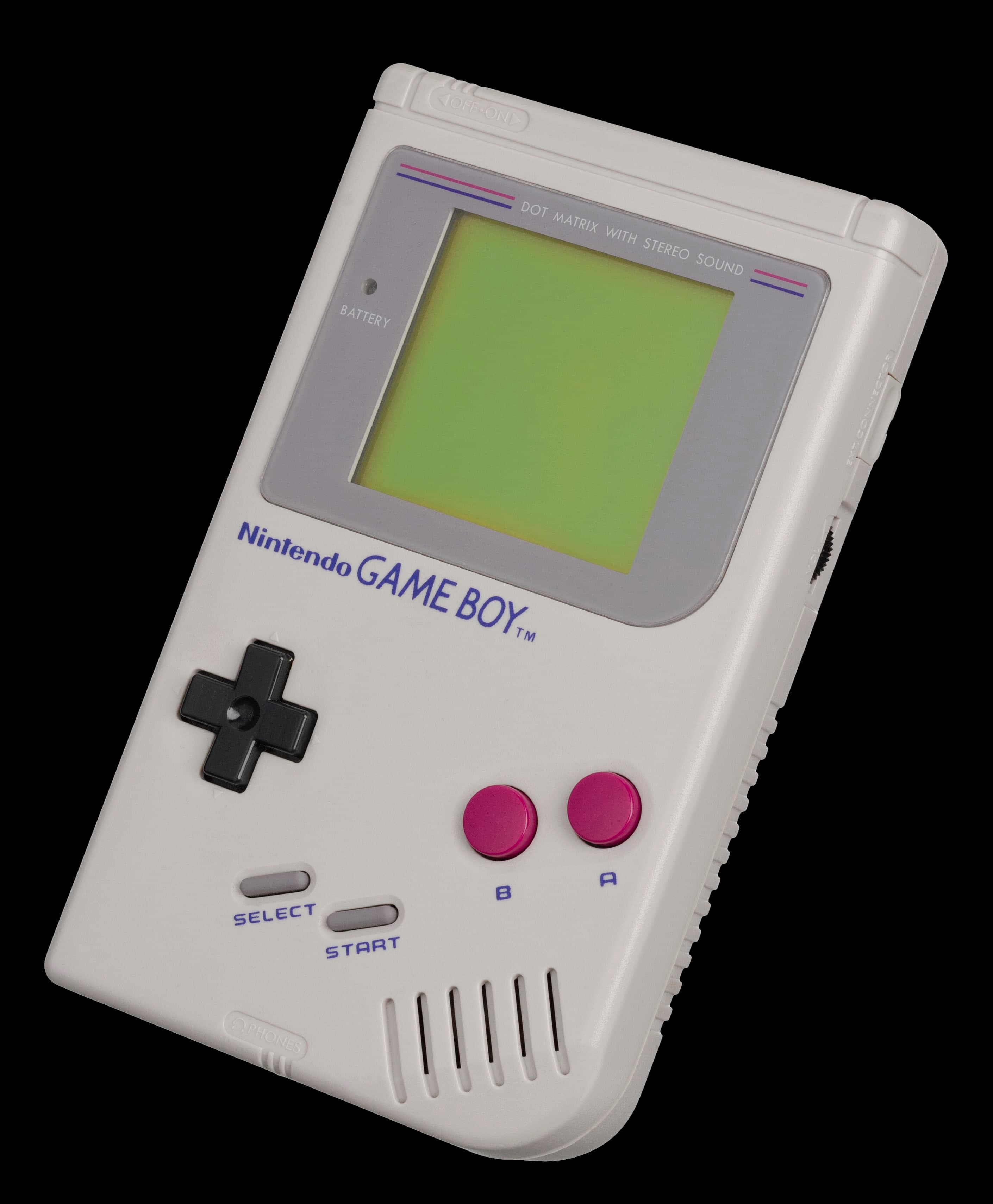
Save the Save: Back Up Game Boy Saves Before the Cell Dies
A dying Game Boy battery doesn't always kill the save first — but the moment you touch that soldering iron, the save is on borrowed time. Here's how to clone it to safety before anything else.
Save the Save: Backing Up Your Game Boy Saves Before the Battery Goes
There is a moment, somewhere in the second decade of a Game Boy cartridge's life, when a tiny coin cell battery quietly gives up. The game still loads. The title screen still plays the music. You can wander around, fight a few trainers, level up a Pokémon or two. Everything feels fine, right up until you save the game, power off, and come back a week later to find the save is gone. Or the screen greets you with the words TIME NOT SET and a date that thinks it's still 1994.
That moment is the moment this post is about. Not the battery swap — there is already a perfectly good guide on the site for that. The moment before the battery swap, when you still have a save file worth keeping, and your only real job is to make sure it survives whatever you're about to do to the cartridge.
This is the prequel. It's also, frankly, the part most people skip.
Why This Is the Post You Should Read First
Save data in original Game Boy, Game Boy Color, and Game Boy Advance cartridges lives in a tiny slab of SRAM, and SRAM is volatile. That is a technical word meaning: cut the power, lose the data. The power, in this case, is a CR2025 or CR2032 coin cell soldered to the cartridge board, and the moment that battery dies, is removed, or is briefly disconnected during a clumsy battery swap, the save file is gone. Not corrupted. Not recoverable. Gone.
This is not a theoretical risk. Every collector with more than a handful of original cartridges has lost a save they cared about, and almost every one of those saves was lost because someone — usually the cartridge's owner, sometimes a well-meaning friend — decided to replace the battery without first cloning the save to a safe place.
The fix is not difficult. The fix is also not exciting. The fix is boring on purpose, which is exactly why people skip it.
The Three Things You Are Deciding Between
You have, in 2026, three realistic options for getting a save off an original cartridge and onto something safer. They are not equivalent. They are aimed at slightly different kinds of collectors, and the right one for you depends on what else you want to do with your cartridges over the next ten years.
The first option is a dedicated cartridge reader. The GB Operator, made by Epilogue, is the most user-friendly of these. It's a small USB-C device that slots GB, GBC, and GBA cartridges into your computer, and the software does the rest: read the ROM, read the save, write a new save back if you want to. It costs about forty-nine dollars new, runs on Windows, macOS, and Linux, and has a "counterfeit cartridge detection" feature that has, in fairness, saved a few people from accidentally buying fake Pokémon copies. For most people, this is the right tool. It does one thing, it does it well, and it does not require you to own a Game Boy.
The second option is the GBxCart RW from insideGadgets. This is a more serious piece of kit. It supports the same range of cartridges as the GB Operator and a few more (the various Pokémon Japanese-exclusive releases, the rarer GBA region-locked titles, the weird peripherals), and the software is more powerful and a lot less polished. The community treats it as the "I am going to back up my entire collection this weekend" tool, and the people who own one tend to also own a soldering iron. Pricing runs roughly in the fifty-to-sixty-dollar range, depending on the current revision.
The third option is a flashcart — an EverDrive-GB X7, an EverDrive-GBA, or an EZ Flash Omega. These are cartridges that contain the save backup function inside another cartridge you already own. You pop the flashcart into a real Game Boy, run a small piece of homebrew software from the flashcart's menu, and use it to read the save from an original cartridge slotted into a link cable or a secondary device. The EverDrive line is still being made by Krikzz, the EZ Flash family has historically been a little harder to find in stock. If you already own a flashcart for homebrew, this is the cheapest path. If you don't, it's the most expensive way to back up a save.
There is a fourth option, which is "ask a friend who owns one of the above." This is the actual right answer for a surprising number of people, and there is no shame in it.
How to Actually Do the Backup
Whichever tool you pick, the workflow is similar. This is the version that has saved me the most saves over the years.
Step one: clean the contacts. Original Game Boy cartridge contacts oxidize. A few passes with a soft rubber eraser — the pink kind, not the white kind — will lift most of the grime. Wipe the eraser dust off with a lint-free cloth. Skip this step and you will get read errors, you will assume the save is corrupted, and you will have a very bad afternoon.
Step two: make a folder for the backup. Name it after the cartridge. Name the save file the exact same name as the ROM, with a .sav extension. This is the convention every retro tool on earth uses, and getting it right the first time means you can move saves between emulators, flashcarts, and other tools without renaming anything.
Step three: read the save first, before the ROM. This is the order that matters. Reading the save is the operation that touches the volatile memory. Reading the ROM is a non-destructive operation that does not. If you only have time or patience for one read, read the save. Then read the ROM for good measure.
Step four: write the save to disk and verify it. The good tools will read the save, compute a checksum, and tell you whether the read was clean. If the tool reports a mismatch, do not trust that save. Try a different cartridge slot if the reader has one. Try a different USB cable. Try cleaning the contacts again. A flaky save file is worse than no save file, because it lets you believe you have a backup.
Step five: copy the save to a second place. This is the part that is easy to skip and that you will, eventually, regret skipping. A save on your laptop is not a backup. A save on your laptop and on a cheap USB stick in a drawer is a backup. A save in a cloud folder you actually use is a better backup. Pick a second location and make it a habit.
That is the whole job. It takes between five and fifteen minutes per cartridge, and the first time you do it for a save you actually care about — a hundred-hour Pokémon Crystal file, a Final Fantasy Legend II save you have been carrying since 1991 — the relief is enormous.
The Pokémon-Specific Trap
If you are about to back up a Pokémon cartridge, there is one extra thing to know. Generation II games — Gold, Silver, and Crystal — use the cartridge's battery to power not just the save file, but also the internal real-time clock. That clock is what makes time-based events in the game work: the daily lottery in Goldenrod, the berry-growing trees on Route 32, the weekly bug-catching contest. The clock drains the battery faster than a non-clock game would, which is why Gen II Pokémon cartridges are, in collector circles, the canary in the coal mine for dying save batteries. They die first.
When the battery finally dies on a Gen II cartridge, the symptom is not, at first, a missing save. The symptom is the title screen greeting you with the words TIME NOT SET and the date defaulting to a Monday morning in January 2000. The save file is usually still intact at that point, but the clock has stopped, and the time-based events in the game will start behaving strangely. Pokémon Crystal is the worst offender, because Crystal uses the clock more aggressively than Gold and Silver do. If you have a Crystal save you care about, back it up now, and consider replacing the battery this weekend rather than next month. CR2025 and CR2032 both fit the Crystal slot, by the way. Use a CR2032; it lasts a few years longer.
There is a related trap for collectors who buy Gen II cartridges from Japanese sellers. The Japanese Pokémon Gold and Silver cartridges are region-free, which is wonderful, but they have a different default language for the time-based event names, and the day-of-week calculation in the Japanese version is not always what Western players expect. This is a Japan-specific quirk, not a battery issue, and you can find a full explanation on Bulbapedia if you hit it.
The Moment You Have Been Waiting For
You now have a backed-up save, you have a working battery replacement guide, and you have a cartridge in your hand that is, in this exact moment, holding onto a save file that is genuinely safe. You can swap the battery, fumble the soldering iron, accidentally short the board, whatever. The save is on your laptop and on a USB stick in a drawer and, if you were smart about it, in a cloud folder too. The cartridge can break. The save cannot.
That is the whole point. The Game Boy's save system was never designed to be permanent. It was designed to be replaceable, in a world where replaceable meant "swap the battery and lose your save." In 2026, replaceable can also mean "swap the battery, restore the save from your backup, keep playing." You have, in a way Nintendo never quite intended, made the system more reliable than it was designed to be. That is a small, specific, oddly satisfying kind of preservation.
The next step is the battery. Go swap it. The save is safe.